
How to Update the Khelv App to the Latest Version
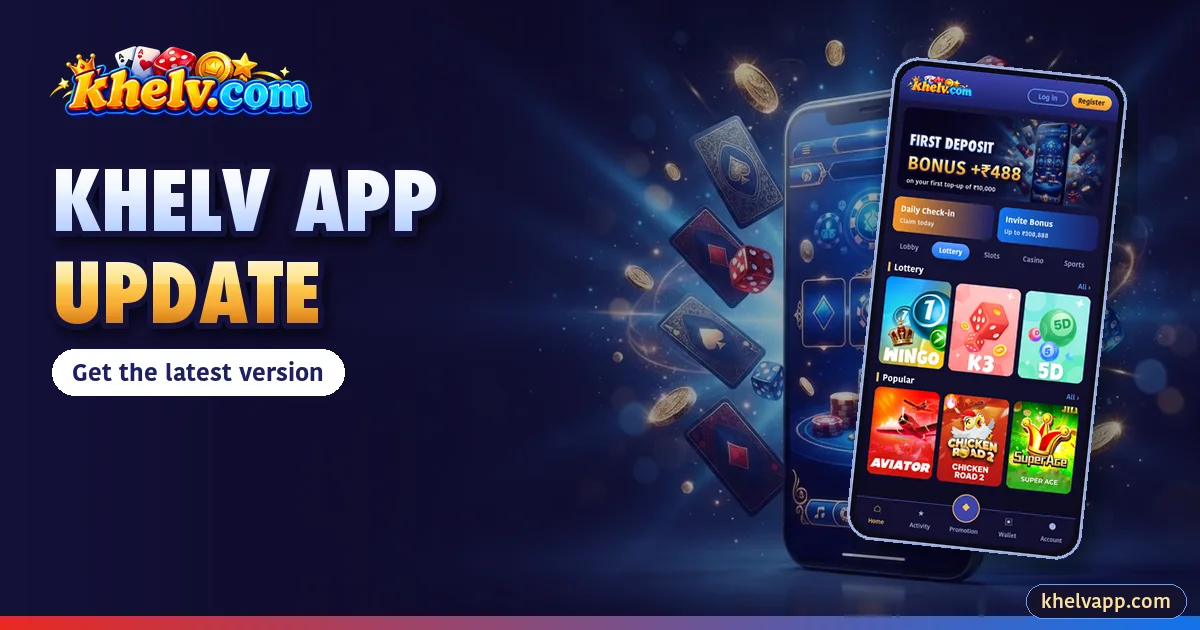
Updates bring new games, fixes and security improvements. Here is the safe way to update the Khelv App.
Check Your Version
Open Account → Settings. The version number is shown near the bottom.
Update Steps
- Open the official Khelv website.
- Download the latest Khelv APK.
- Open it and tap Update/Install.
- Open the app; your account stays the same.
Update Errors
| Error | Fix |
|---|---|
| App not installed | Uninstall old version, then install |
| Conflicting package | Old APK from another source – uninstall it |
| Stuck at installing | Restart phone, try again |

Why Updates Matter
- New games and features
- Bug and stability fixes
- Security improvements
- Better performance on low-end phones
Skipped Several Updates?
Just install the latest APK; you do not need the versions in between.